
You’ve probably heard a lot about AI tools lately, like ChatGPT, Gemini, or Perplexity. Maybe you’ve seen a friend use them or even tried them yourself to do everything from finding the best Chinese restaurant in your neighborhood to figuring out creative ideas for your 10 year old’s birthday!

These AI tools are like super-powered versions of Google that you can have a conversation with, almost like a real person who can answer almost any question you can think of.
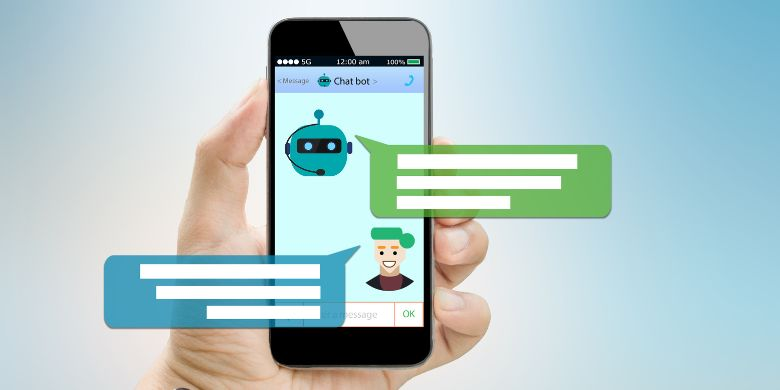
However, there is a catch: when you use these AI tools, you aren’t just searching for a quick answer. You are giving information to a digital program that remembers everything you tell it. Because of this, you should be careful about what you share! !
There are three big issues with using these AI tools:
1. The “Memory” Risk
Most AI tools are set to “remember” whatever you tell them. If you tell an AI your private medical symptoms or a secret about your job, that that information is now stored with the company providing the AI Assistant.
2. The “Stranger” Risk
Sometimes, real people (employees at the AI tool company) read through chats to make sure the AI isn’t being rude or broken. You should assume that anything you type could eventually be seen by a human eyes.
3. The “Confused” Risk
AI tools are great, but they aren’t always right. They can “hallucinate,” which is a fancy way of saying they can sound very confident while saying something that is completely untrue. Never use AI tools for important (medical, legal, financial) advice without double-checking whether that information is correct.
Here are general tips to stay safe:
- Don’t share personal or sensitive data: Don’t share your full name, your kids’ names, your home address, or your specific health/financial information.
- Keep it General: Instead of saying, “Why does my elbow hurt after hitting it on my door at 123 Main St?” just ask, “Why would an elbow hurt after hitting a door?”
- Check the Settings: Most of these apps have a “Privacy” or “Data” section in the settings. Look for a switch that says “Don’t use my data for training” and turn it on! (Or, why not, ask the AI Assistant how to do it!)
HERE is a longer video about the privacy of AI tools.
—- Published January 2026 —-