
How do digital privacy tools work?
Think about digital privacy tools like this.
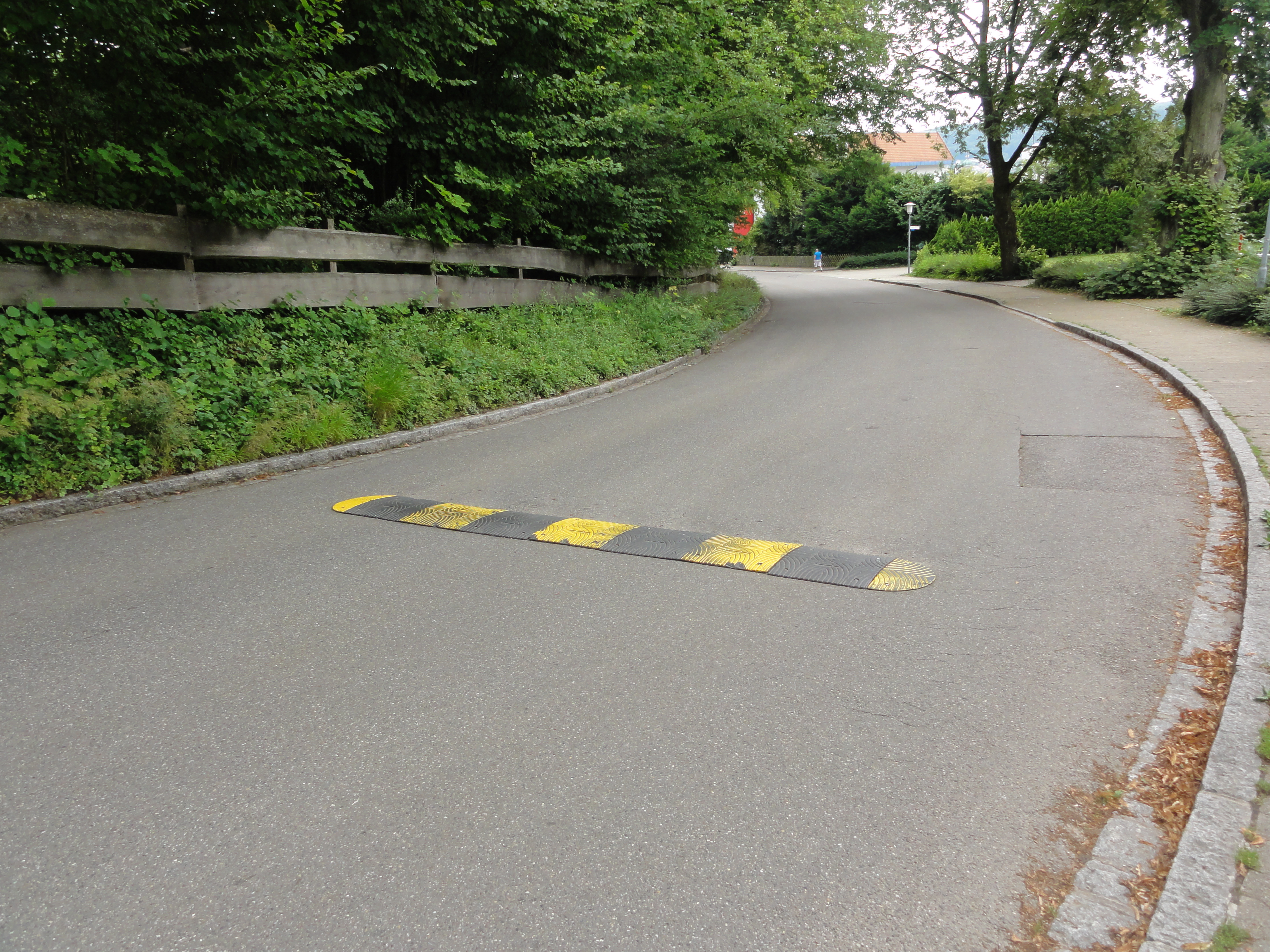
In a quiet neighborhood, there’s often a long, straight stretch of road. What happens when there are no speed bumps? Most drivers naturally speed up, even if they don’t mean to. And there are some people who take advantage of there being no speed bumps to drive really, really fast! But when there are speed bumps, those speed bumps reduce the chance that people will drive dangerously fast or drive down the street at all.
Or think about the locks on your front door, or even a security signs like “Protected by ADT” or “Beware of Dog.” These security measures don’t make your home completely safe from break-ins, but they make your home less appealing to someone looking for an easy target.

Privacy tools work the same way online.
When websites, apps, companies, governments, or even hackers know no one is watching—or your data is unprotected—they tend to speed towards stealing your data or see you as an easy target.
But when we add “speed bumps,” “locks,” and “security signs” to your digital life (like strong passwords, two-factor authentication (2FA), and privacy settings)—we slow them down! We send the message that this information is protected. Protected information is less accessible and appealing to websites, apps, companies, governments, and hackers.
These small steps (your digital speed bumps, locks, and signs) might not stop every threat, but they go a long way in making you a less appealing and much harder target.
You don’t have to do everything.
But something is better than nothing!
Here are some some answers to questions you might have as you read this digital privacy guide.
- What does it mean when something is “secure” online?
“Secure” online means the site or app is doing things to keep your information safe. For example, a secure website (identified by the lock icon in your browser bar, shown in the pictures below) uses encryption, updates its systems and security protocols regularly, and doesn’t ask for more data than it really needs.
It’s like choosing a bank with a vault and security guards, instead of one with the back door wide open. Just be aware that “secure” does not mean you are perfectly protected––but that you have some form of protection.
- What is encryption?
Imagine you’re mailing a letter to a friend, but before you drop it in the mailbox, you put it inside a locked box—and only your friend (that you previously gave the key to) can open that box. That’s basically what encryption does. It locks your messages, photos, and passwords in a way that makes them unreadable to anyone who doesn’t have the key. So even if someone intercepts the box with the letter, that person won’t be able to read your letter because he/she/they don’t have the key to open the box!
 |
Now that this has been explained, let’s get into learning about specific digital privacy tools!
Just Remember: you don’t have to do everything.
But hopefully this guide helps you find easy things you can do!
—- Published January 2026 —-