
Remember when video calls felt like something from the future? Now they’re everywhere—school meetings, doctor visits, job interviews, check-ins with family, and even game nights. Whether you’re using FaceTime, Zoom, Meetings, or WhatsApp, video conferencing is how a lot of us stay connected.

But just like with texting, not all video calls are private. Some video call companies watch what you do, store recordings, or track “metadata.”
What is “metadata”?
We described this is the context of (5): Private Texting [[LINK HERE]] previously.)This is information that describes or gives context to other data.
Think of it like a label on a package. The label tells you information about the package, just like metadata tells you information about the data. For example, for a photograph (the data), the metadata includes: the date and time the photo was taken, the camera model, the location (GPS coordinates), and perhaps the photographer’s name.
Metadata for a video call can tell a company what kind of device you used (phone or computer, mac or windows), IP address (which shows your location), about when you called, who joined the call, and how long you stayed in the meeting.
Now let’s go over your options for video calls:
 | FaceTime (Apple only): If you and the other person both use Apple devices (iPhones, iPads, or Macs), FaceTime is a pretty good option. Apple uses end-to-end encryption, which means your video call is locked down, and no one can watch or listen in (not even Apple). But FaceTime only works with other Apple users. If one person’s on Android, you’re out of luck. |
 | WhatsApp Video offers end-to-end encrypted video calls, so the video and audio are private. But WhatsApp is owned by Meta (the company behind Facebook), which collects lots of “metadata.” |
 | Zoom is used by schools, businesses, and families for everything from work meetings to birthday parties. But here’s what to know: Zoom does not use full end-to-end encryption by default. They do offer a feature called “end-to-end encryption”, but you have to turn it on manually, and it has some limits (like you can’t use all features when it’s on). Also, all participants need to use the Zoom app—so yes, you’ll need to download it. Zoom also collects some “metadata.” |
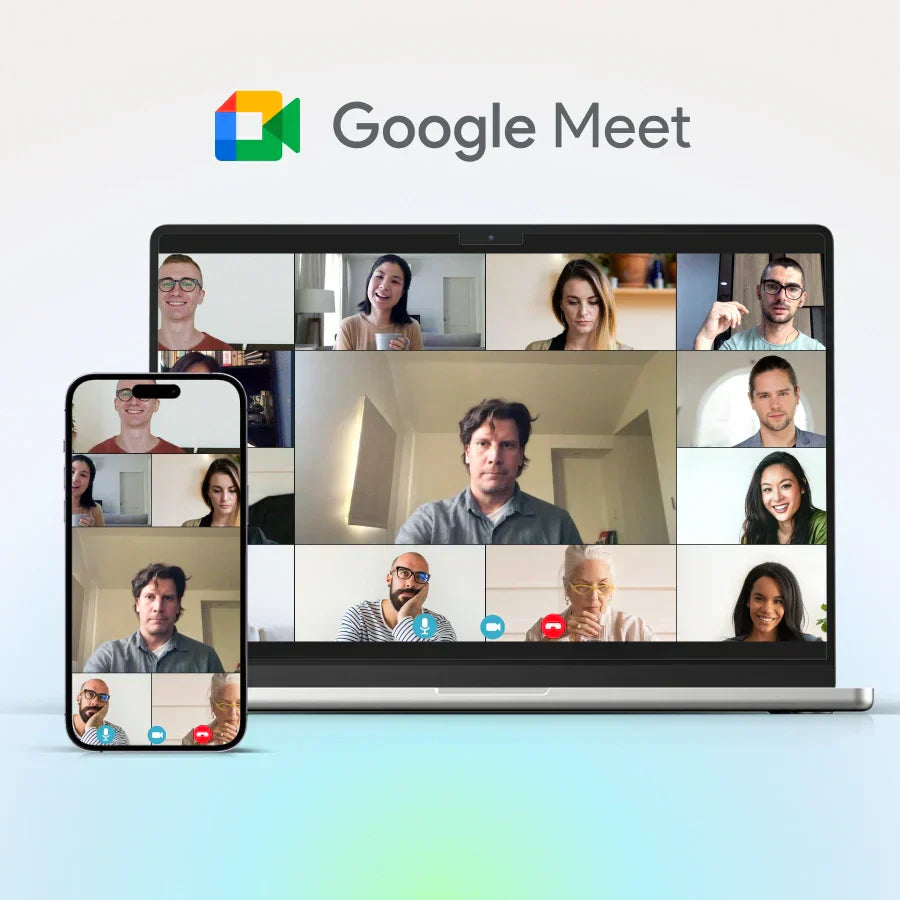 | Google Meet is built into Gmail and Google Calendar. Google encrypts calls while they’re are happening, but not with end-to-end encryption. That means Google could access the content of your video call if required. Google Meet also collects “metadata.” |
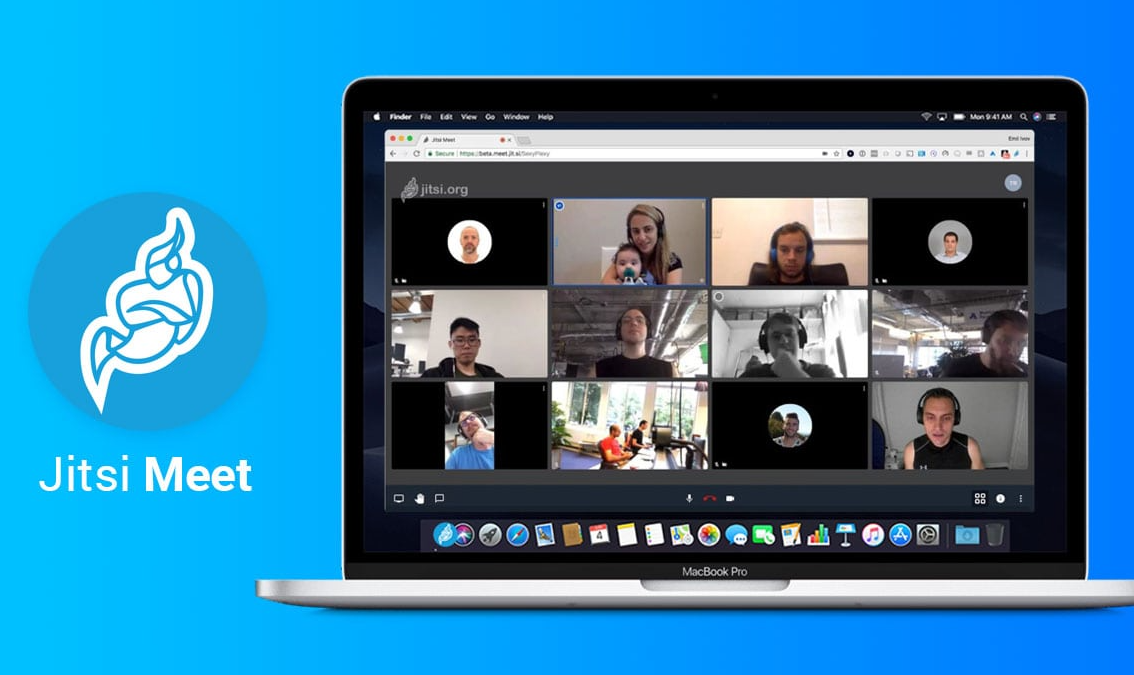 | Jitsi Meet is a lesser-known but useful video service that focuses on privacy. Jitsi offers encrypted video conferencing through your browser. It doesn’t collect “metadata,” doesn’t require registration, and you can use it on any device with a browser. You just go to the website, start a room, and send your friend or group the link. |
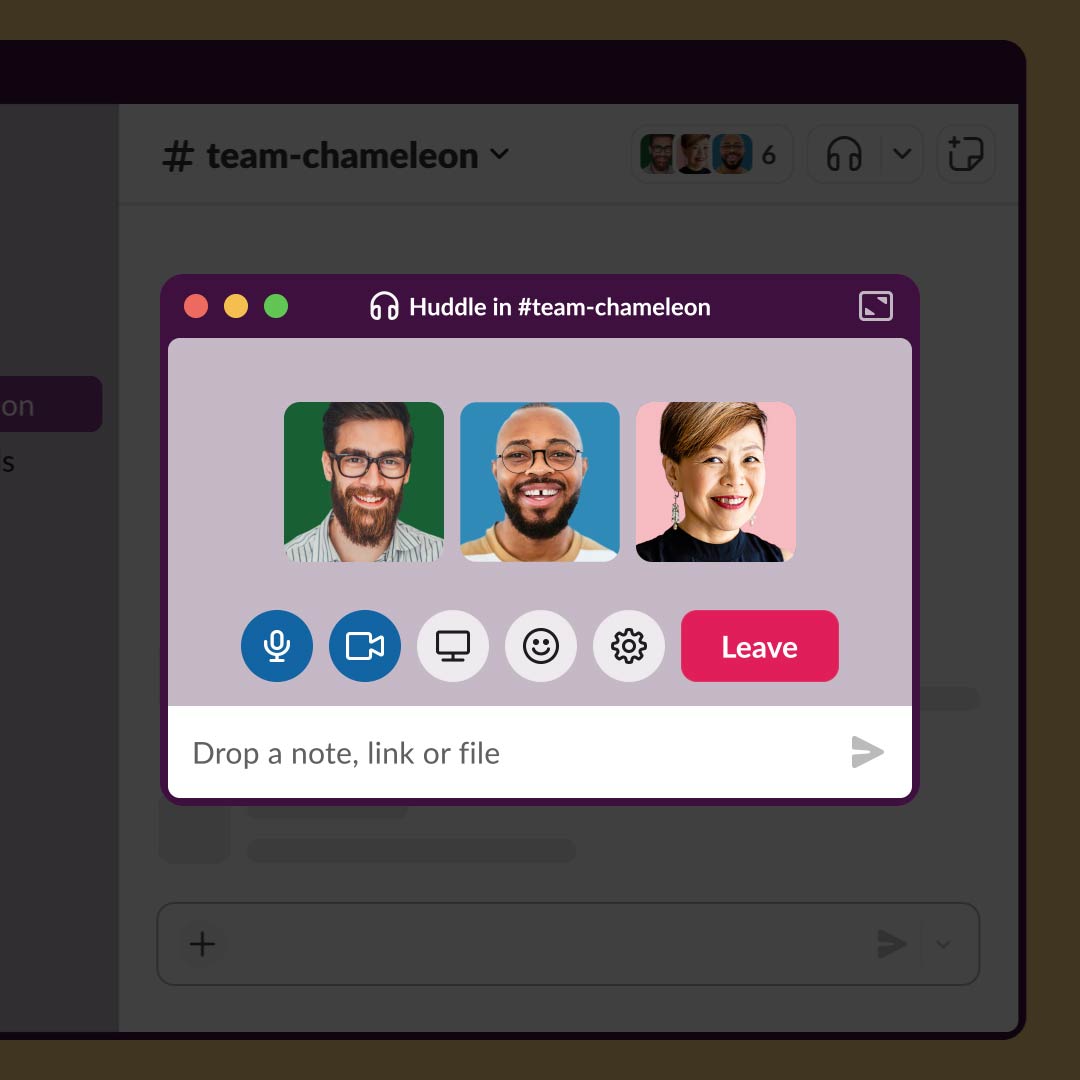 | Slack Huddle: Slack is a workplace messaging tool, and its Huddles feature lets people start quick voice or video chats. Huddles are encrypted while they happen between devices, but not with end-to-end encryption. Slack could technically access what was said or shown in the video. Slack also collects “metadata.” |
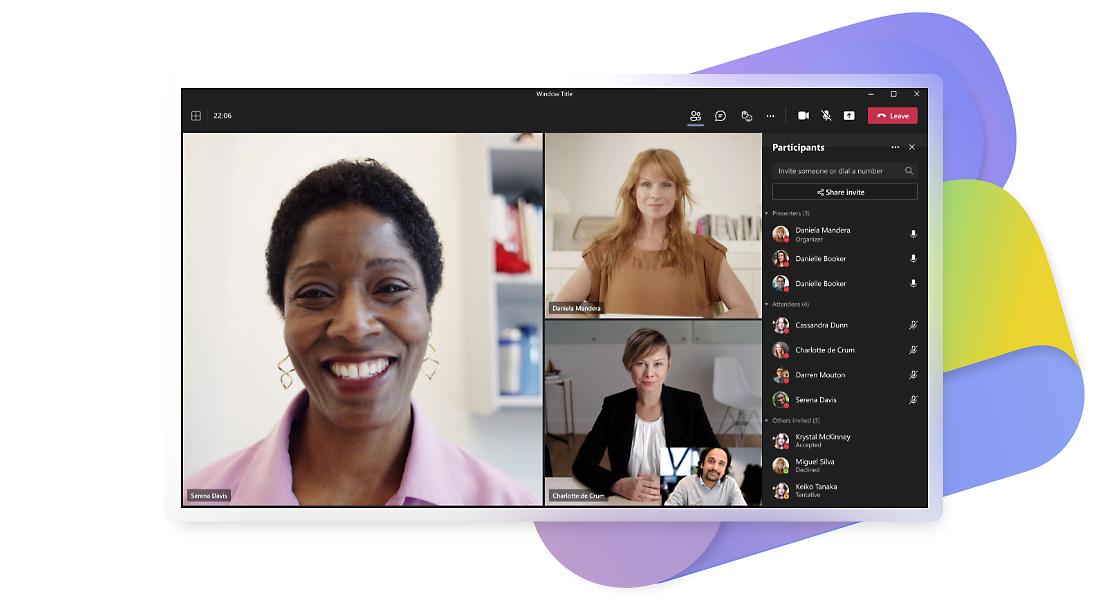 | Microsoft Teams video calls are encrypted as they happen, but not with end-to-end encryption. The meeting organizer has to turn on end-to-end encryption before the meeting starts. Microsoft also collects “metadata.” |
AI (Artificial Intelligence) & Video Conferencing
More video conferencing apps (like Zoom, Microsoft Teams, and Google Meet) are now using AI to make calls smoother. AI can do things like:
- Turn speech into text (live captions or transcripts)
- Automatically summarize meetings
- Identify who’s talking
- Filter out background noise
Just keep in mind: AI features often require recording or analyzing your voice, video, and what’s said in meetings. That data might be stored, seen by people you didn’t approve, or even used to train other AI models.
What can you do?
- Use privacy-respecting services when possible (like Jitsi Meet).
- Ask if meetings are being recorded and speak up if you’re not comfortable.
- Turn off features you don’t need, like auto-transcription or facial analysis.
So What’s the Bottom Line When It Comes to Video Conferencing Services?
Video calls are convenient, but they’re not always private! If you wouldn’t say it in a room full of strangers, think twice before saying it on a video call.
—- Published January 2026 —-